WhatsApp QR code generator
One scan opens a chat with your number and a message ready to send, like 'Hi, I'd like to book a table.'
What would you like to share?
Choose a type, then add your content.
Your content stays in your browser.
How to make it
- Enter your number with the country code, without spaces or a leading zero.
- Write the first message you'd like customers to send.
- Download the code and put it where people wait or pay.
Questions
Does it work with WhatsApp Business? Yes. The code opens a chat with whatever number you enter.
Can customers change the pre-filled message? Yes. They can edit it before sending.
Does the person scanning need WhatsApp installed? If it isn't installed, the link opens WhatsApp's web page, which offers to install it.
When a free code isn't enough
A static code stores its content directly in the pattern. Dynamic codes use a redirect service so their destination can change later. The dynamic designer is available to explore; its redirects and scan tracking are not connected yet. Static vs dynamic, explained.
Made for places like these
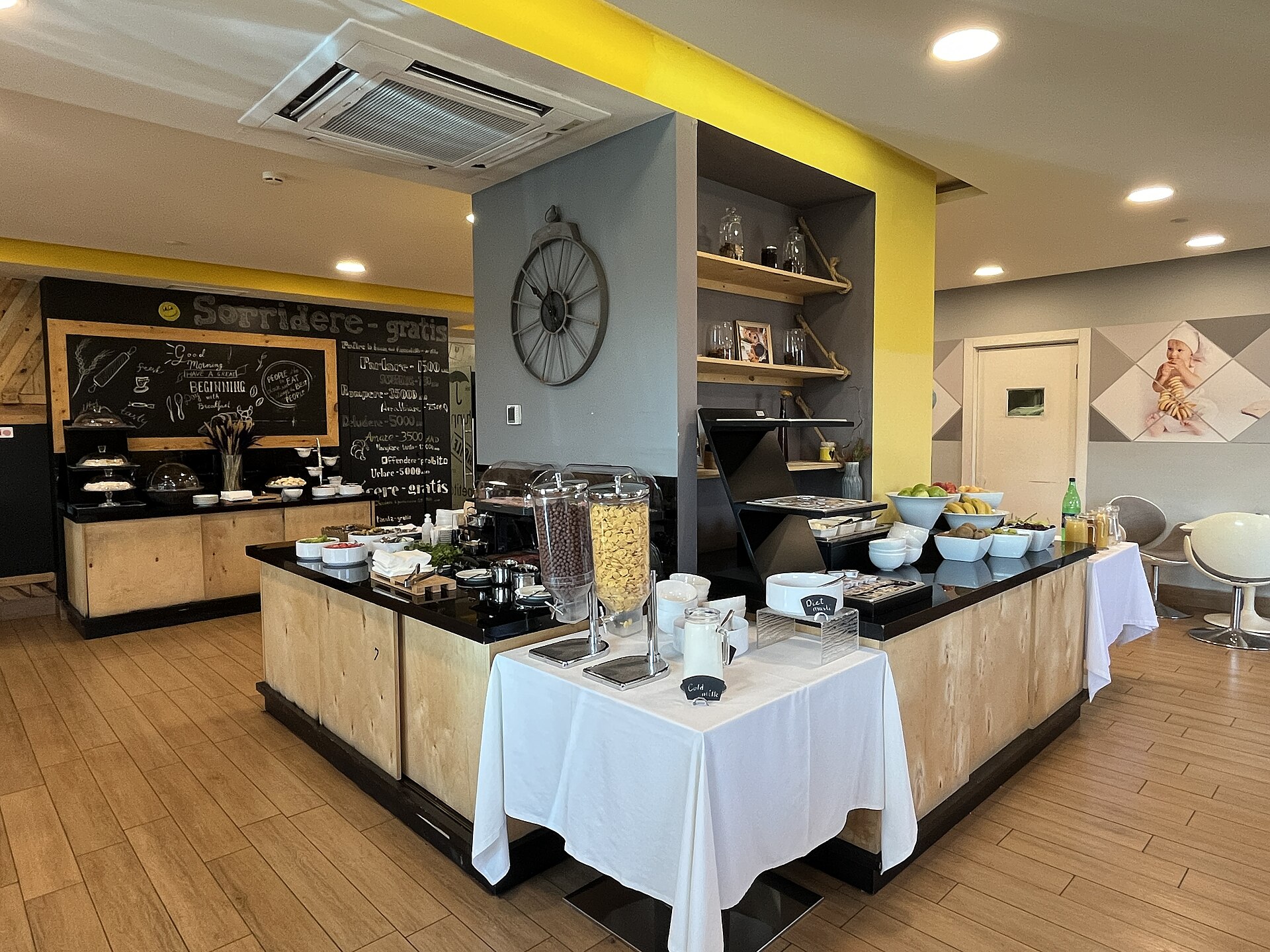 QR menus for hotels
Photo: Breakfast room in Opera Suite Hotel Yerevan (June 2023), CC0, via Wikimedia Commons  QR menus for salons and spas
Photo: Hair salon, CC0, via rawpixel  QR menus for restaurants
Photo: Restaurant tables and chairs arrangement in empty settings, CC0, via WordPress Photo Directory  QR menus for cafés
Photo: Spacious cafe interior large window, CC0, via rawpixel