Bookings, straight from the menu.
Guests tap Book a table on your menu, choose a day, a time and a party size, and get a confirmation on screen. You manage every booking, theirs and the ones you took by phone, in one daily list.
How it works
Set your availability
Turn on booking, choose your first and last seating, and set how many bookings you take per half hour and the largest party that can book online.
Guests book from the menu
They tap Book a table, pick a day in the next two weeks, an open time and a party size, then leave a name and phone number. The booking is confirmed on screen.
Welcome each party
Guest bookings sit next to the phone bookings you add yourself. Assign a table, mark guests seated, or record a cancellation or no-show.
Your day at a glance
Reservations are listed by day and time. Each one shows the party size, the name, the phone number and any note, with a table once you assign one. A new booking from a guest shows a toast and a chime on whatever page of the app is open.
Questions
Where does the Book a table button appear? At the top of your published menu, under the name. Guests who scanned a table card see it too, for booking another day.
Can guests book a time that's full? No. Only times with room are offered, and if two guests race for the last slot, the second is asked to pick another.
Can I take bookings by phone as well? Yes. Add them yourself in the app; they show in the same daily list, marked as staff bookings.
Which plan includes reservations? Menu Starter ($6 a month, planned), Menu Pro and Agency. Every workspace is on Menu Pro for now, so it is free to try.
Does it work across devices right now? Yes, between devices signed in to the same account: bookings show up on the Reservations page, which keeps checking for new ones. Bookings from guests' own phones need hosted menus, which are planned and not connected yet.
Made for places like these
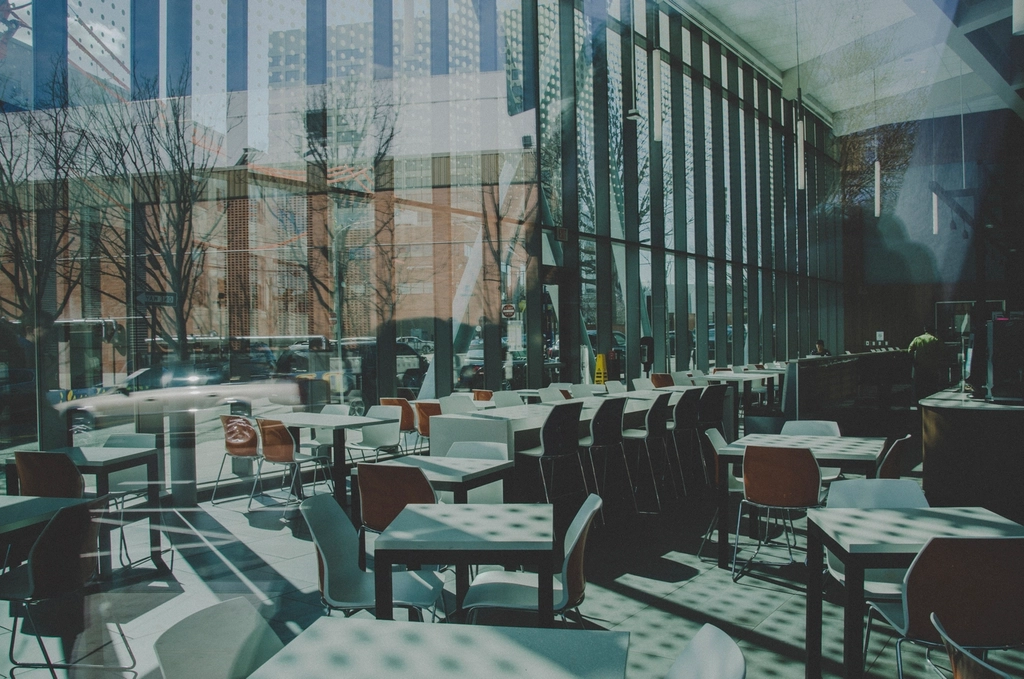 QR menus for cafés
Photo: Spacious cafe interior large window, CC0, via rawpixel 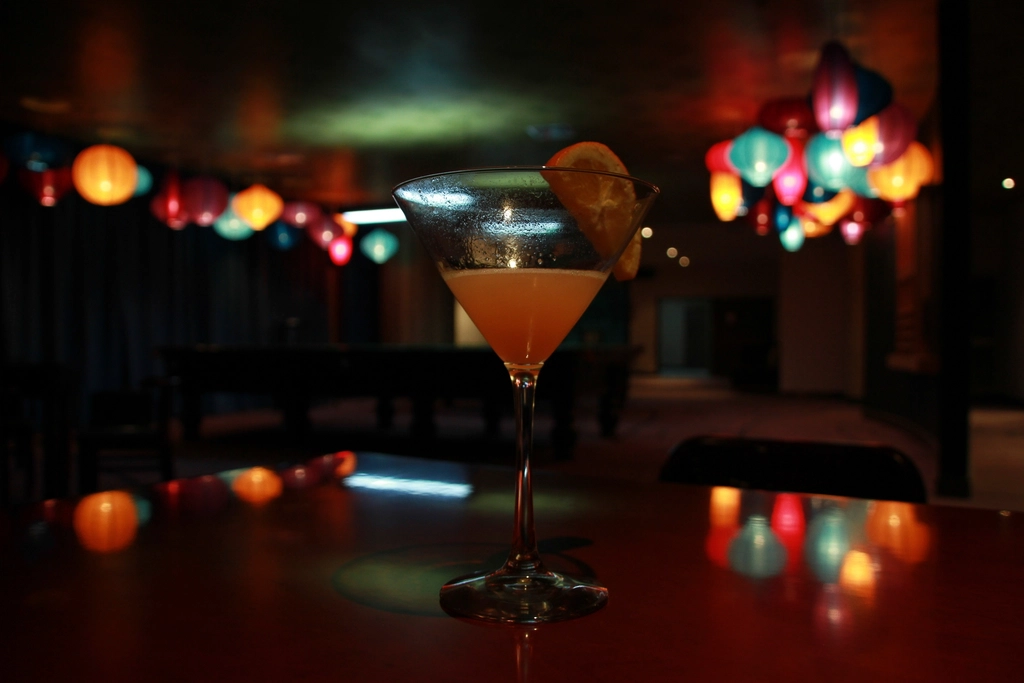 QR menus for bars
Photo: Free orange cocktail bar counter, CC0, via rawpixel 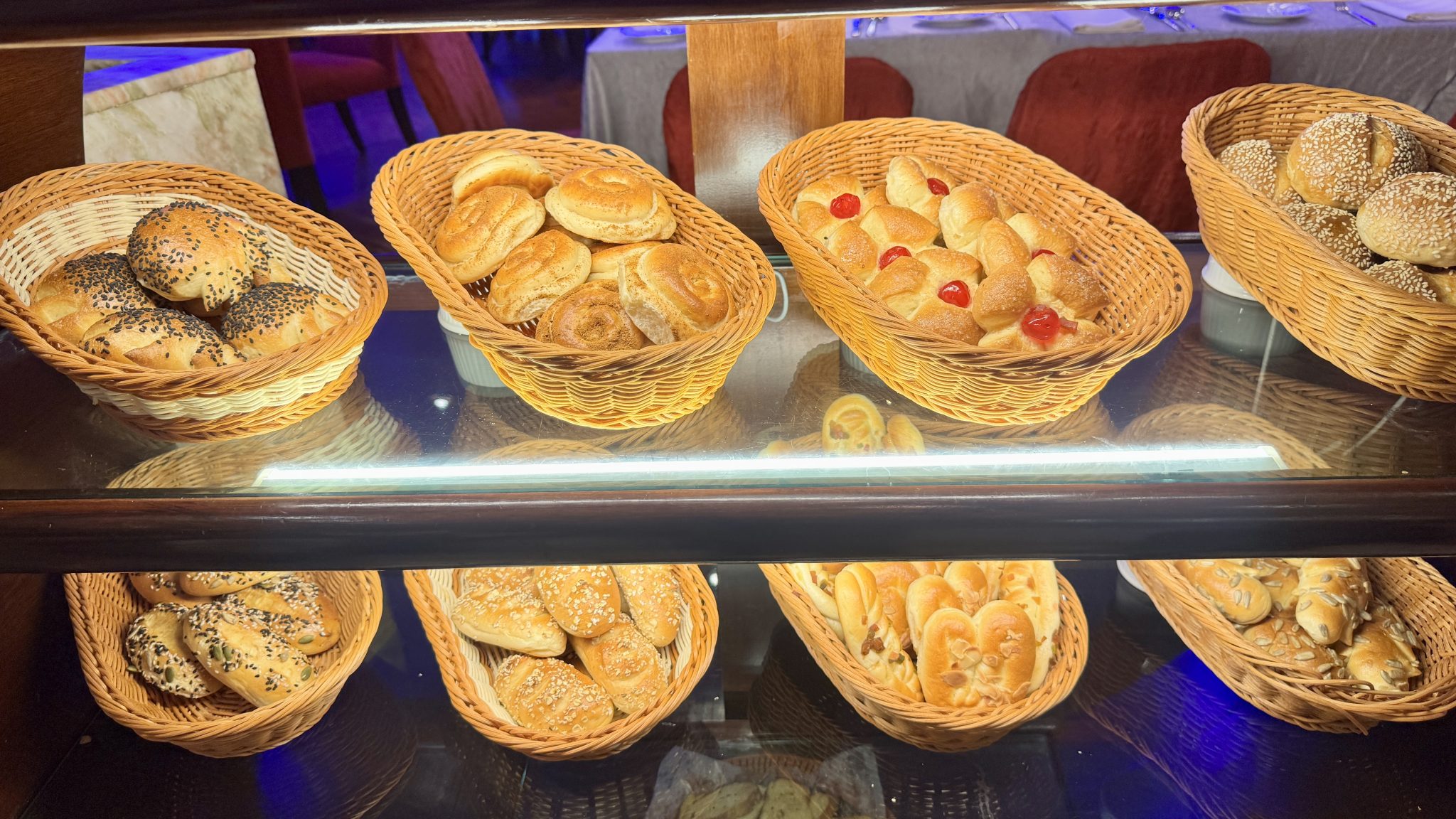 QR menus for bakeries
Photo: A bakery shelf displays a variety of fresh bread rolls, including some with seeds and glaz, CC0, via WordPress Photo Directory 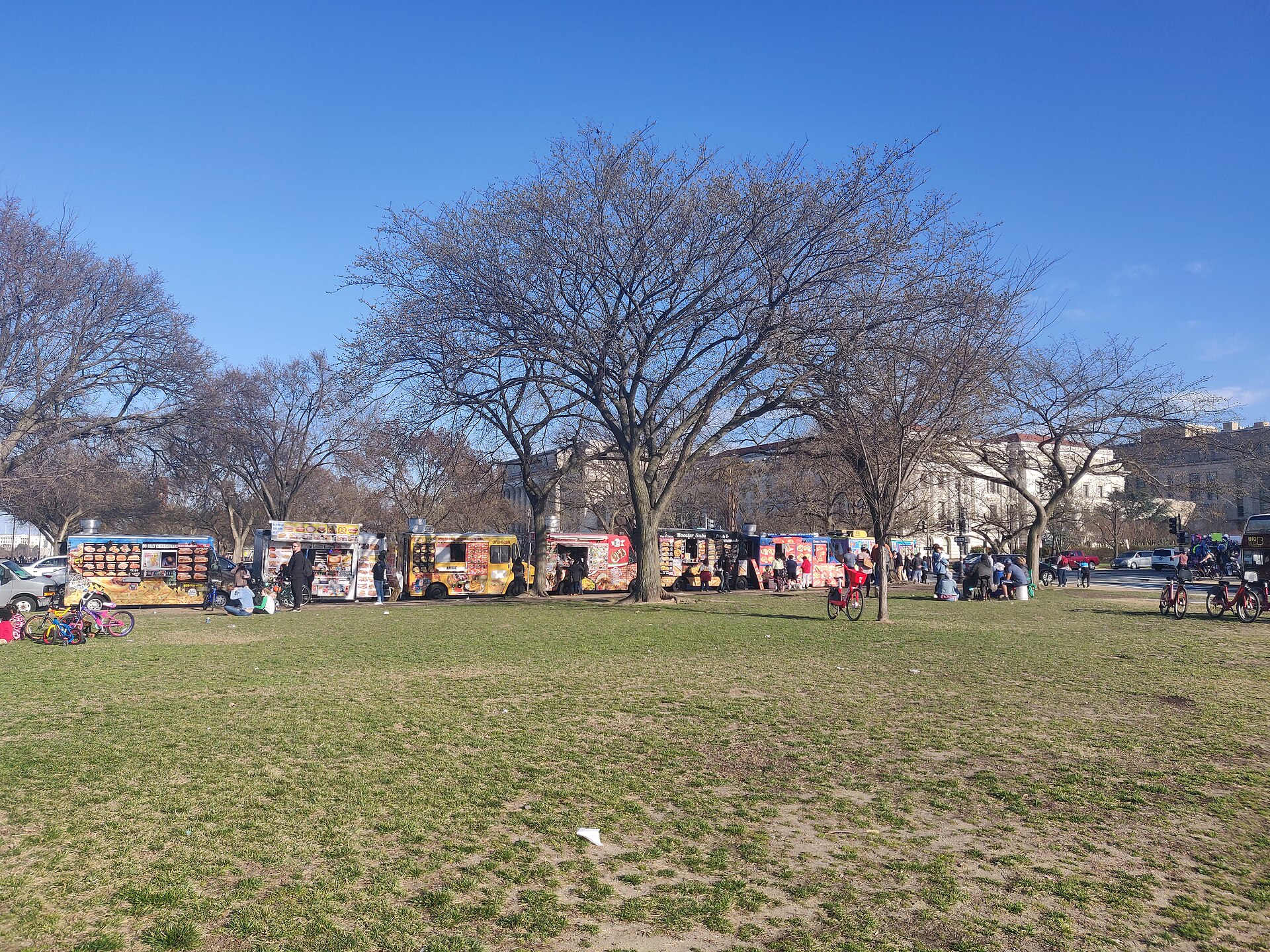 QR menus for food trucks
Photo: Food trucks next to national mall, CC0, via Wikimedia Commons