Orders from the table, straight to the kitchen.
Each table gets its own code. A guest scans it, picks dishes on your menu and sends the order. It lands on your board with the table number, a chime and a toast. No app for guests, no commission for you.
How it works
Set up your tables
Add your tables in the app, each with its seats. Every table gets its own code, and you can print all the table cards in one go.
Turn ordering on
Choose which published menu the table cards open. Ordering can be paused at any time without hiding the menu.
Guests order from the menu
A guest scans the card, taps + next to a dish, picks a size if there is one, adds a note and sends the order. They pay at the table, as usual.
Work the board
The order lands on your Orders board with the table name, a chime and a toast. Move it to preparing, then served; cancel it if you need to.
What the kitchen sees
Three lanes: new, preparing and served today. The oldest order sits at the top of each lane, every card shows its table, its number for the day, each line with its size and the guest's note. A new order rings a chime and shows a toast on whatever page of the app is open, so nobody has to watch the board.
What guests see
The menu you designed, with a small + beside each dish that can be ordered. Sold-out dishes stay listed but can't be added. The order sits in a bar at the bottom of the screen until it's sent, and afterwards the guest can follow it at the top of the menu: sent, being prepared, served.
Questions
Do guests need an app or an account? No. The code opens the menu as a normal web page in the phone's browser, and ordering is a button on that page.
How does the kitchen know which table ordered? Each table has its own code, so every order arrives with the table name attached. Renaming a table later doesn't rewrite old orders.
Do you take a commission on orders? No. Table ordering is part of the flat monthly price on Menu Pro and Agency. Guests pay you at the table the way they always have.
Can I pause ordering during a rush? Yes. One switch pauses orders from the menu while the menu itself stays up, and a note tells guests to order with their server.
Which plan includes it? Menu Pro ($14 a month, planned) and Agency. Every workspace is on Menu Pro for now, so you can try it free.
Does it work across devices right now? Yes, between devices signed in to the same account: orders show up on the Orders page, which keeps checking for new ones. Orders from guests' own phones need hosted menus, which are planned and not connected yet.
Made for places like these
 QR menus for food trucks
Photo: Food trucks next to national mall, CC0, via Wikimedia Commons 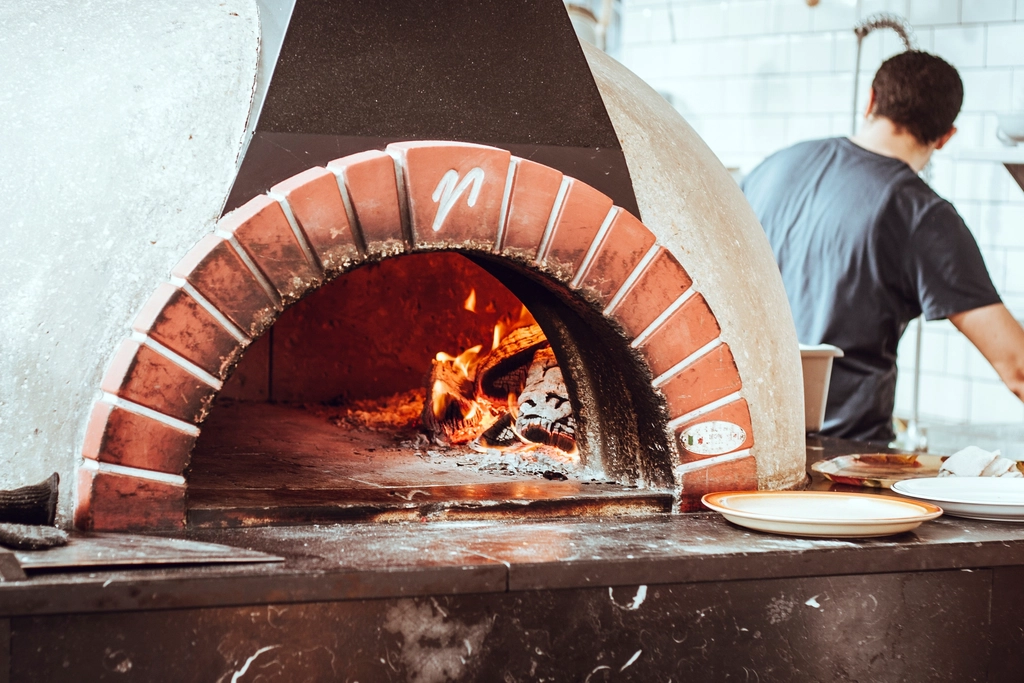 QR menus for pizzerias
Photo: Pizza oven, CC0, via rawpixel 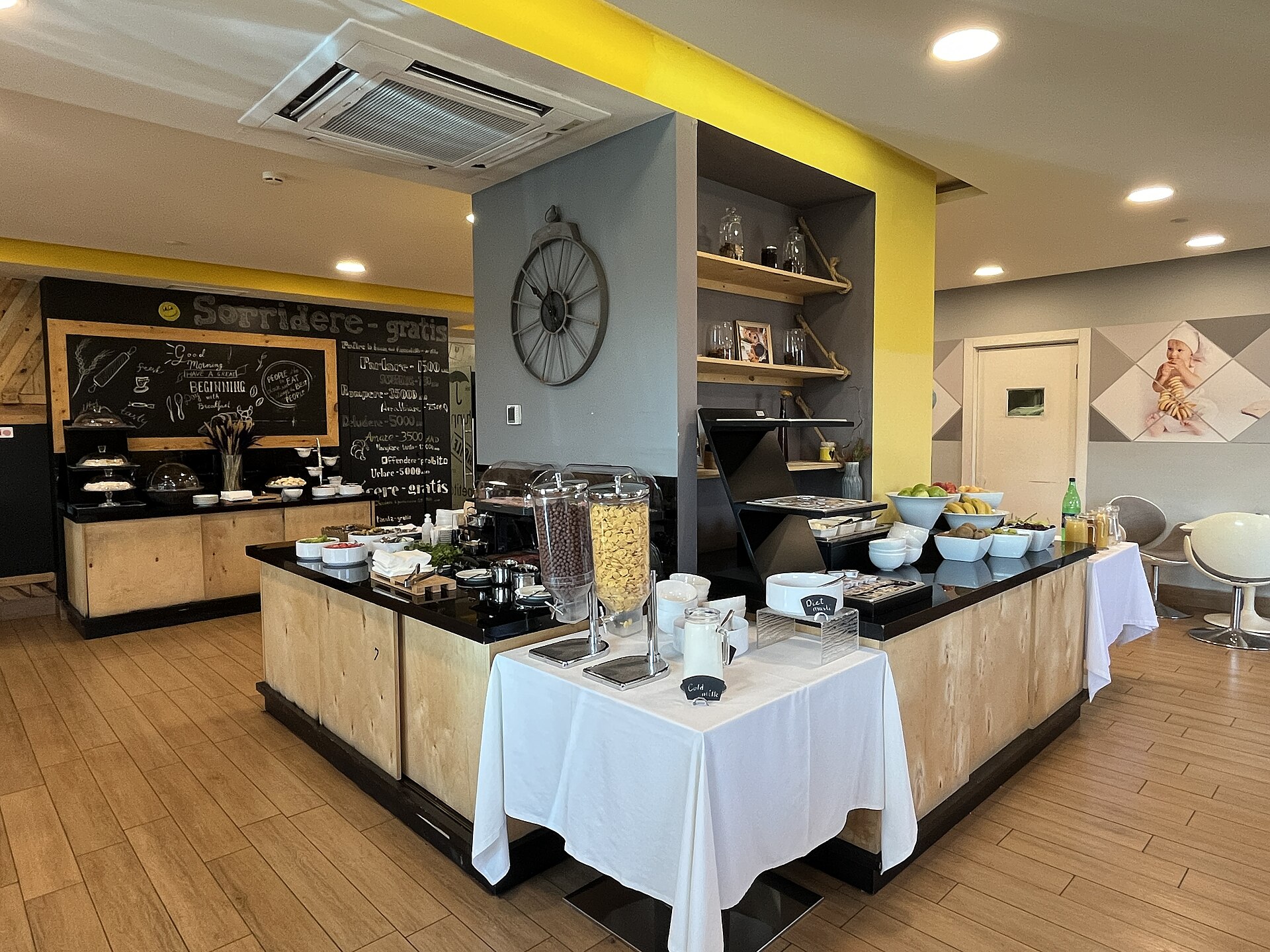 QR menus for hotels
Photo: Breakfast room in Opera Suite Hotel Yerevan (June 2023), CC0, via Wikimedia Commons 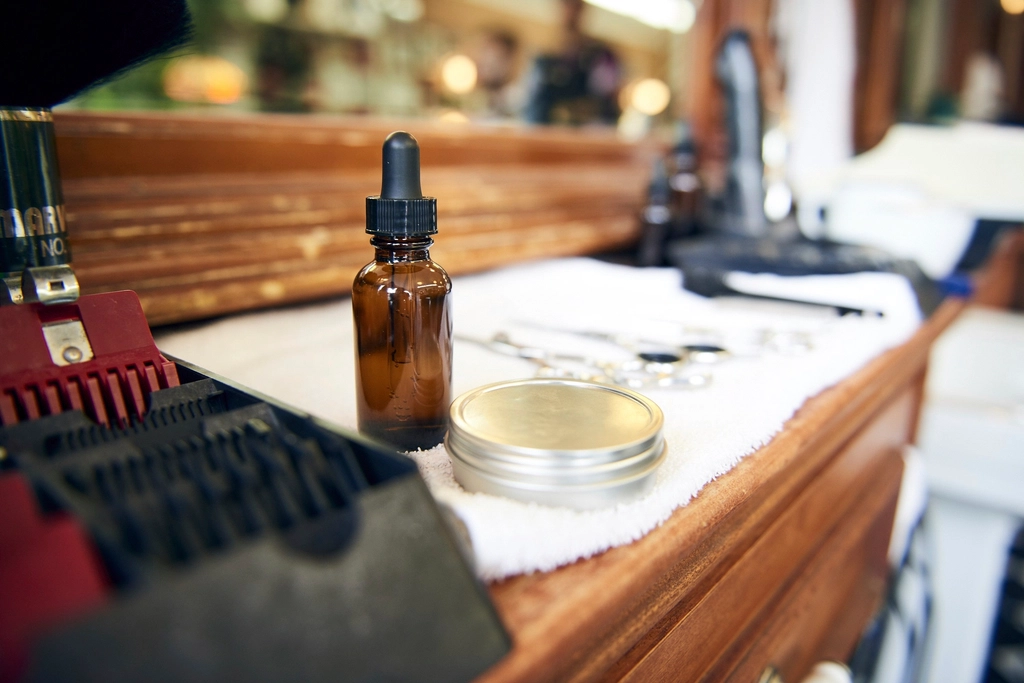 QR menus for salons and spas
Photo: Hair salon, CC0, via rawpixel